
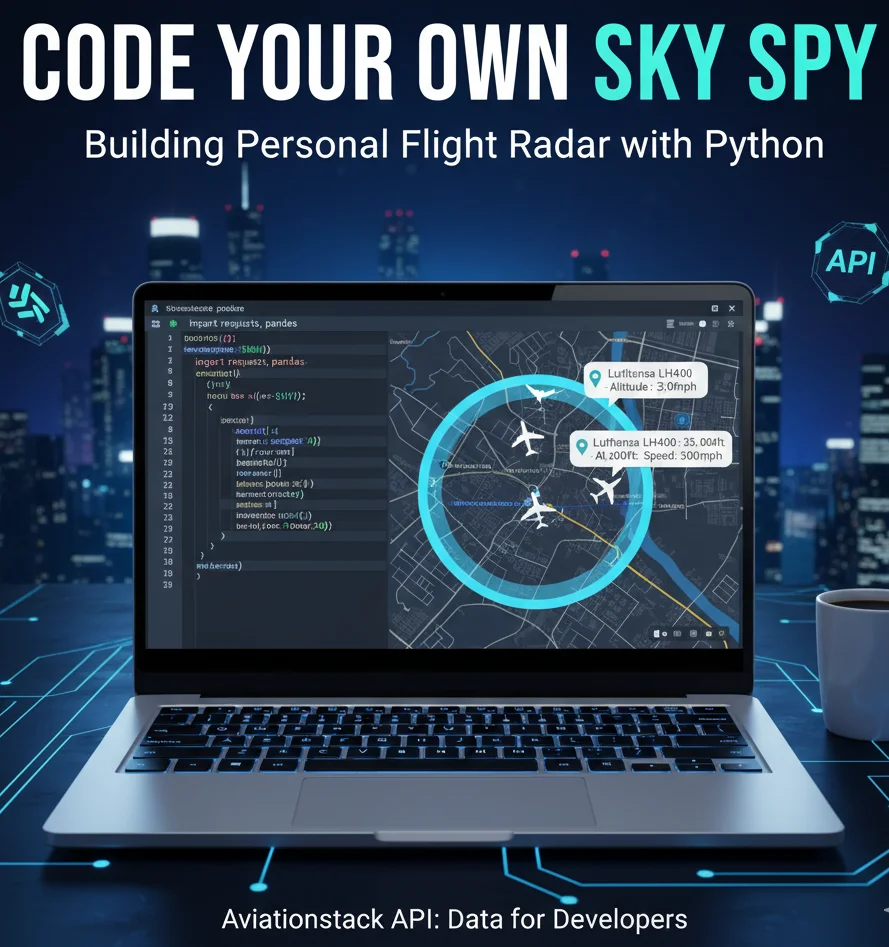
Look up. Depending on where you live, there are likely five to ten metal tubes hurting through the troposphere above your head right now at 500 miles per hour. Where are they going? Is that a cargo plane from Hong Kong or a holiday flight to the Bahamas? Who is on board?
Apps like FlightRadar24 are incredible feats of engineering, but for a developer or a data enthusiast, they can be "noisy." They show you everything. But what if you don’t care about the thousands of flights over the Atlantic? What if you only want to know when a specific flight lands in your city, or you want to trigger a smart home light when a family member enters your airspace?
You don’t need to be a data scientist to build this. In 2025, with just a few lines of Python and the right data connection, you can build a custom "Personal Radar."
In this guide, I will walk you through how to build a custom dashboard using Aviationstack, the industry's most developer-friendly API.
Phase 1: The Tech Stack (What You Need)
Before we write a single line of code, we need to assemble our toolkit. As someone who has built dozens of dashboards, I recommend keeping your stack lightweight.
We will use Python, as it handles JSON data better than almost any other language. You will need three specific libraries:
- Requests: To talk to the API.
- Pandas: To organize the messy flight data into a clean table.
- Folium: To visualize the data on an interactive map.
The Data Engine: Aviationstack
The most critical component is your data source. You need a flight tracking api that is reliable, fast, and easy to parse.
For this project, we are using Aviationstack.
Why? Because it offers a lightweight JSON response that is perfect for Python. Unlike legacy systems that use complex XML or require GDS certification, Aviationstack is plug-and-play. Plus, it provides a generous free tier, making it the perfect engine for our "Sky Spy" project.
Phase 2: The "Geofence" Strategy (Don't Track the World)
Here is a pro-tip that most generic tutorials miss.
When you sign up for a flight api free plan, you usually have a limit on monthly requests (e.g., 100 or 500 calls). If you query "all global flights" every minute, you will burn through your quota in an hour, and your Python script will struggle to process 10,000+ aircraft simultaneously.
The Solution: Geofencing.
Instead of asking, "Where is every plane in the world?", we will ask, "Where are the planes inside this specific box?"
We do this by defining a coordinate bounding box (min_lat, max_lat, min_lon, max_lon) around your city.
The Logic:
code Python
downloadcontent_copy
expand_less
# Pseudo-code for Geofencing
params = {
'access_key': 'YOUR_AVIATIONSTACK_KEY',
'min_lat': 40.712, # Example: NYC South Border
'max_lat': 40.915, # Example: NYC North Border
'min_lon': -74.259, # Example: NYC West Border
'max_lon': -73.700 # Example: NYC East Border
}
By filtering the data at the source, you make your application faster and your API usage highly efficient.
Phase 3: Writing the Code
Let’s get our hands dirty. The goal is to fetch the data and plot it on a map.
Step 1: Fetching the Data
Using the requests library, we pull the live flight status. Aviationstack returns a wealth of data, including altitude, speed, airline, and even the estimated time of arrival (ETA).
Step 2: Parsing with Pandas
Raw JSON can be messy. We will use Pandas to create a clean "DataFrame." We want to extract just the essentials:
- Flight Number (e.g., UA101)
- Airline (e.g., United)
- Latitude / Longitude
- Altitude
Step 3: Visualizing with Folium
This is the payoff. Folium allows you to generate an HTML map file. We can iterate through our Pandas row and place a "Plane Icon" at the exact coordinates provided by the API.
The Cool Factor: Add a tooltip!
Configure the code so that when you hover your mouse over the plane icon on your map, it pops up a label: "Lufthansa LH400 - Altitude: 35,000ft - Speed: 500mph."
Phase 4: The "Plane Spotter" Alert System
Now, let’s make the tool "smart."
Passive monitoring is fun, but proactive monitoring is useful. Since we are processing the data in Python, we can add logic to filter for specific criteria. This is something standard flight tracker apps generally charge premium fees for.
Idea 1: The "Rare Bird" Alert
Are you an aviation geek? You can set up a filter to alert you only when specific aircraft types appear.
code Python
downloadcontent_copy
expand_less
if flight['aircraft']['iata'] == 'B747':
send_sms_alert("Queen of the Skies detected nearby!")
Idea 2: The "Family Tracker"
If your partner is flying home on flight "BA249", you don't need to refresh the airline's website. You can script a loop that checks the status of that specific flight IATA code every 60 seconds. When the status changes from "Active" to "Landed," your computer can play a sound.
This turns your script into a personalized air traffic control tower.
Phase 5: Handling Real-World Data (The "Ghost" Plane Problem)
As a developer, you need to manage expectations regarding data latency.
When using a flight api free tier, the data is often slightly delayed (usually by 15-20 minutes) to adhere to aviation authority regulations. For a personal project, this is fine.
However, this can sometimes lead to "ghost planes", seeing a plane on your map that has actually already landed. To fix this, you can add a simple "interpolation" function. If the data is 10 minutes old, and you know the plane is flying South at 500mph, your script can mathematically estimate where the plane actually is right now and plot the icon there. This is how pro-level apps smooth out the movement of aircraft.
Frequently Asked Questions (FAQs)
Q1: Is the Aviationstack API really free?
A: Yes, Aviationstack offers a specific "Free Plan" that gives you 100 requests per month at no cost. This is perfect for testing the "Personal Radar" project described in this article.
Q2: Can I use this for a commercial app?
A: Absolutely. While the free plan is great for hobbyists, the paid tiers (starting at affordable rates) unlock commercial licenses, real-time data streaming, and much higher volume limits suitable for enterprise apps.
Q3: Does this API cover private jets?
A: Aviationstack covers a vast majority of civil aviation. However, many private jets request to be blocked from public tracking feeds for privacy/security reasons, so they may not appear in the standard dataset.
Q4: Do I need a credit card to sign up for the free key?
A: No. You can sign up for the Aviationstack free tier without a credit card. You only need to enter payment details if you decide to upgrade to a higher volume plan.
By building your own radar, you move from being a passive consumer of data to an active creator. You are no longer limited by the UI of a commercial app. If you want to track only cargo planes, you can. If you want to visualize the approach path to your local airport, you can.
The sky is literally the limit, but it all starts with the right data connection.
Ready to start coding?
Don't settle for scraping websites or unreliable feeds. Build on the infrastructure trusted by the pros.
[Get Your Free API Key at Aviationstack]
Recommended Resource: Automate Without Code
Not a Python expert? You can still automate flight tracking using no-code tools. Check out this guide on connecting our data to your workflows:
How to Use Aviationstack with Zapier: Step-by-Step Guide to Automate Flight Data in 2025



