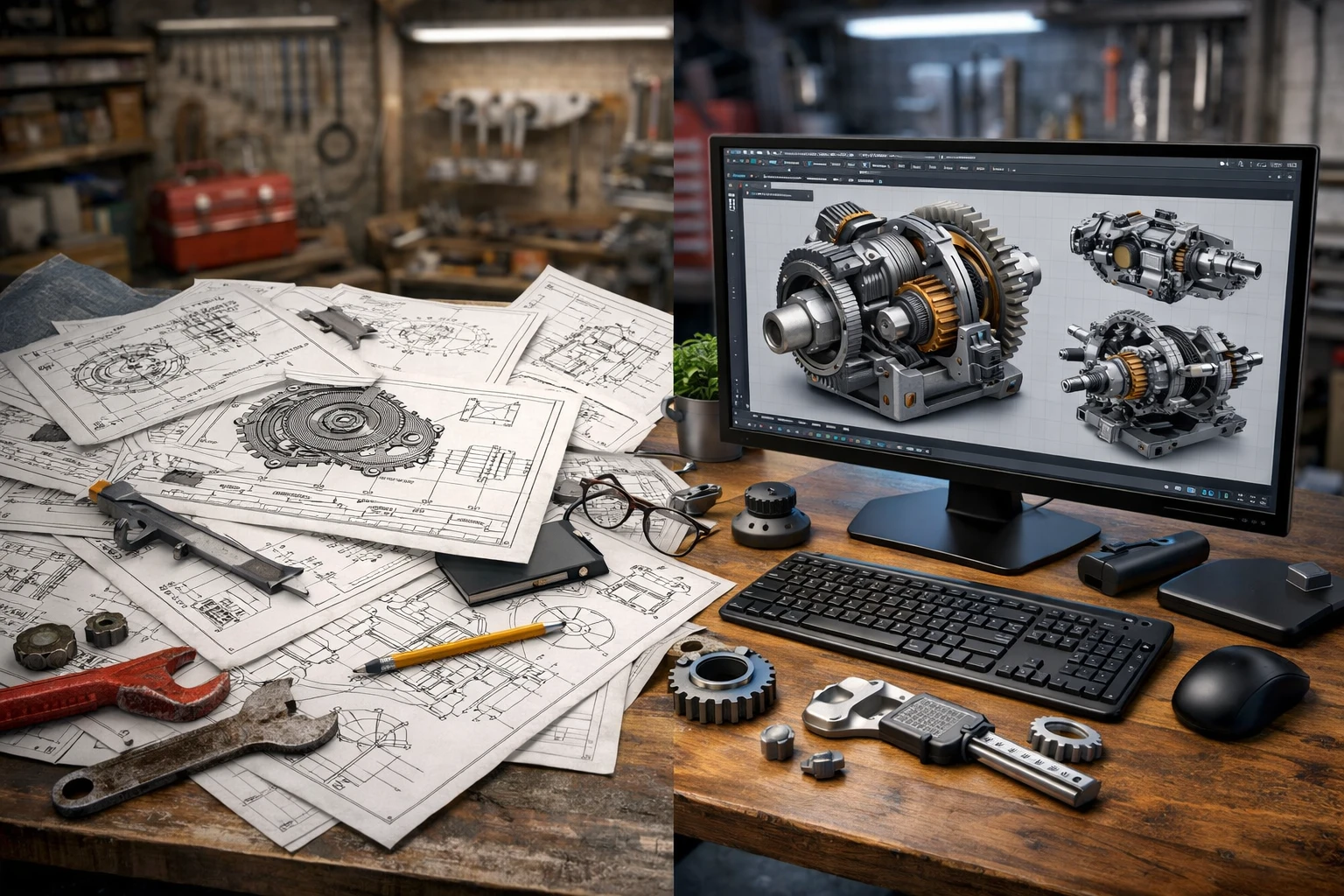
For decades, 2D mechanical drawings were the backbone of engineering design. They helped manufacturers build machines, contractors coordinate installations, and engineers communicate intent. But today’s projects are no longer simple.
Mechanical systems are more complex. Timelines are tighter. Errors are costlier. And stakeholders from architects to fabricators expect absolute clarity.
So, a critical question arises: why do 2D mechanical drawings fail in modern projects, and how does AutoCAD 3D drawing mechanical solve these problems?
As the UK construction and manufacturing sectors rapidly adopt digital workflows, the shift from traditional 2D drafting to 3D AutoCAD mechanical drawings is no longer optional it’s essential.
What Are 2D Mechanical Drawings, and Why Were They Used for So Long?
2D mechanical drawings represent components using flat views such as plans, elevations, and sections. For many years, they worked well because:
-
Projects were less complex
-
Teams relied heavily on manual interpretation
-
Manufacturing tolerances were simpler
-
Digital collaboration was limited
However, modern mechanical systems HVAC, MEP, industrial machinery, plant equipment require a much higher level of coordination and accuracy.
According to a report by the UK National Building Specification (NBS), over 70% of construction professionals now rely on 3D models to understand design intent more clearly than 2D drawings.
(Source: https://www.thenbs.com/knowledge/nbs-national-bim-report)
Why Do 2D Mechanical Drawings Fail in Real-World Projects?
1. Do 2D Drawings Create Interpretation Gaps?
Yes—and this is one of their biggest weaknesses.
2D drawings require engineers, fabricators, and installers to mentally visualize depth, overlaps, and clearances. Even experienced professionals can misinterpret:
-
Assembly sequences
-
Component orientation
-
Hidden clashes
-
Tolerance conflicts
This often leads to RFIs, rework, and site delays, especially in multi-disciplinary projects.
2. Can 2D Mechanical Drawings Detect Clashes?
Simply put—no.
2D drawings cannot effectively identify clashes between:
-
Mechanical and structural systems
-
HVAC ducts and electrical trays
-
Pipework and architectural elements
Clash detection requires 3D spatial awareness, which 2D drafting cannot provide.
Studies show that clash-related rework accounts for up to 30% of construction waste in complex building projects.
3. Why Do 2D Drawings Increase Manufacturing Errors?
In manufacturing and fabrication, 2D drawings often fail to convey:
-
Accurate part geometry
-
Assembly relationships
-
Machining requirements
-
Fit and tolerance details
This leads to incorrect fabrication, rejected parts, and production slowdowns especially in CNC and prefabrication environments.
4. Are 2D Drawings Slowing Down Project Timelines?
Yes, particularly in fast-track projects.
Every design change in 2D requires updating multiple drawings manually. This increases:
-
Revision errors
-
Coordination issues
-
Approval delays
In contrast, modern CAD drawing mechanical design workflows demand speed, accuracy, and automation areas where 2D drafting struggles.
What Is AutoCAD 3D Drawing Mechanical?
AutoCAD 3D drawing mechanical refers to the creation of intelligent, three-dimensional mechanical models using AutoCAD’s mechanical toolsets. These models represent real-world components with accurate geometry, dimensions, and relationships.
Unlike 2D drawings, 3D drawing mechanical engineering allows teams to design, analyse, and validate systems before they reach the shop floor or site.
How Does AutoCAD 3D Drawing Mechanical Fix the Limitations of 2D?
1. Does 3D Mechanical Drafting Improve Design Clarity?
Absolutely.
With 3D AutoCAD mechanical drawings, stakeholders can:
-
Visualise the complete system
-
Rotate, section, and zoom into components
-
Understand assembly logic instantly
This reduces miscommunication between engineers, architects, and contractors especially on international projects involving remote teams.
2. How Does AutoCAD 3D Help with Clash Detection?
3D models enable early clash identification by revealing spatial conflicts before construction or fabrication begins.
Benefits include:
-
Fewer RFIs
-
Reduced site modifications
-
Lower rework costs
-
Better coordination across disciplines
This is particularly important in the UK, where BIM-aligned workflows are becoming the industry standard.
3. Can 3D AutoCAD Mechanical Drawings Improve Fabrication Accuracy?
Yes—significantly.
3D models provide:
-
Accurate part dimensions
-
Clear assembly sequences
-
Consistent tolerances
-
CNC-ready outputs
According to Autodesk, companies using 3D mechanical design experience up to 48% fewer manufacturing errors compared to 2D-only workflows.
4. Does AutoCAD 3D Speed Up Design Changes?
One of the biggest advantages of autocad 3d drawing mechanical is parametric efficiency.
When a change is made:
-
Related components update automatically
-
Views and sections stay consistent
-
Errors from manual revisions are reduced
This makes 3D workflows ideal for agile engineering environments and fast-paced UK infrastructure projects.
Why Is the UK Market Rapidly Adopting 3D Mechanical Drafting?
The UK engineering and construction sectors are under pressure to deliver:
-
Faster project timelines
-
Lower carbon impact
-
Better coordination
-
Higher quality outcomes
With the UK government’s strong push for digital construction and BIM adoption, 3D drawing mechanical engineering is becoming the norm rather than the exception.
Additionally, offsite manufacturing, modular construction, and prefabrication all growing trends in the UK depend heavily on accurate 3D mechanical models.
Is 2D Mechanical Drawing Completely Obsolete?
Not entirely.
2D drawings still have value for:
-
Regulatory submissions
-
Basic documentation
-
Legacy projects
However, they are no longer sufficient on their own.
The most effective workflows today combine:
-
AutoCAD 3D mechanical drawings for design and coordination
-
2D outputs generated directly from 3D models for documentation
This hybrid approach ensures accuracy without sacrificing compliance.
What Opportunities Does AutoCAD 3D Mechanical Create for Businesses?
For business owners, startups, and decision-makers, adopting 3D mechanical drafting opens new opportunities:
-
Reduced operational risk
-
Faster go-to-market timelines
-
Better collaboration with global teams
-
Improved client confidence
-
Scalable digital workflows
In a competitive UK market, companies that embrace modern CAD drawing mechanical design gain a clear strategic advantage.
Conclusion:
2D mechanical drawings are no longer enough for today’s complex engineering challenges. Their limitations interpretation errors, coordination issues, and fabrication risks make them unsuitable as a standalone solution.
AutoCAD 3D drawing mechanical fixes these problems by delivering clarity, accuracy, and efficiency across the entire project lifecycle from concept to fabrication.
As the UK and global industries continue to evolve, businesses that invest in 3D AutoCAD mechanical drawings will be better positioned to innovate, scale, and compete.
In the UK, many forward-thinking organisations now partner with experienced CAD design specialists who understand both traditional drafting and modern 3D workflows ensuring a smooth transition without disruption.