Introduction
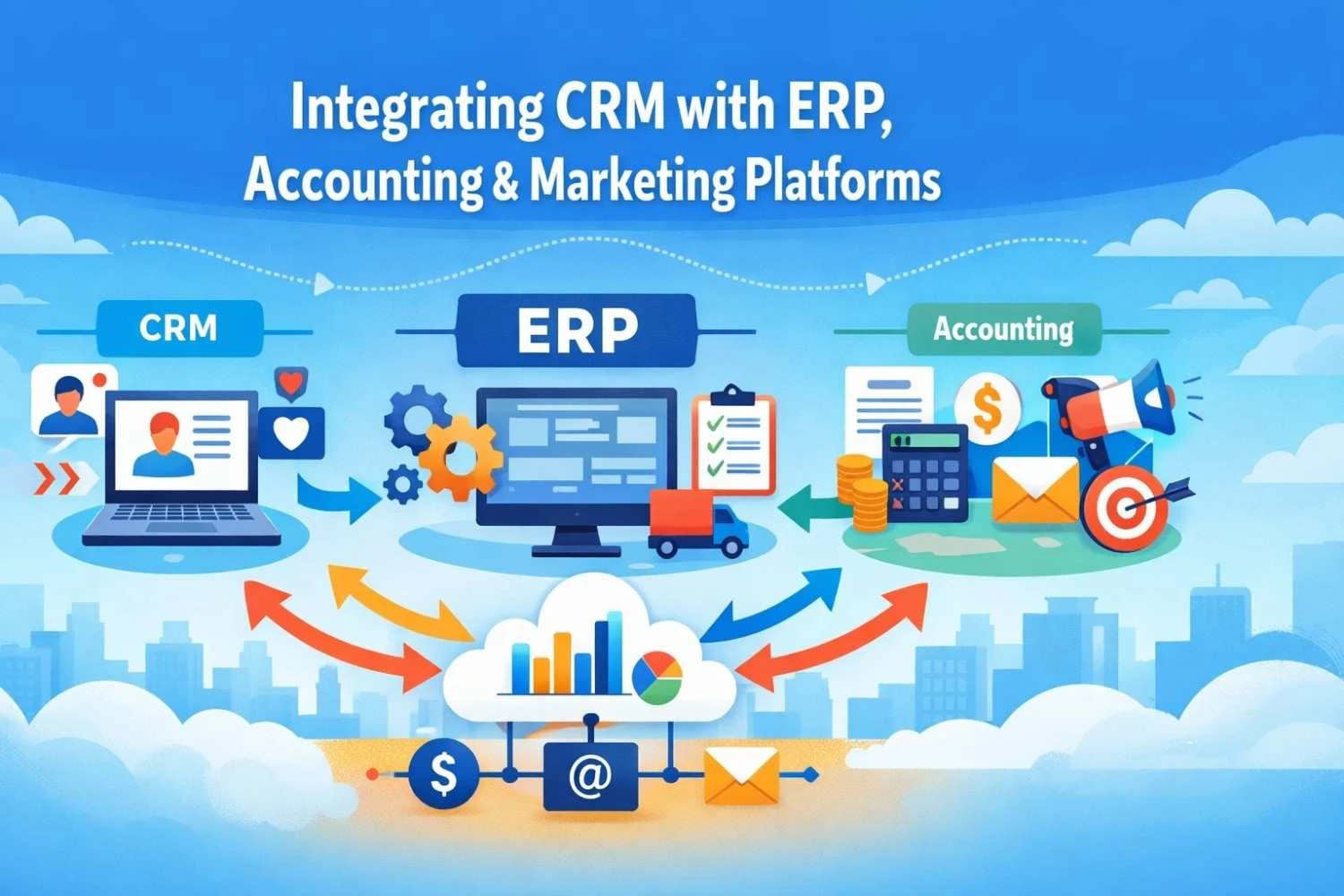
Ever tried juggling three apps at once—CRM, ERP, and your marketing platform—without losing your sanity? It’s like teaching cats to do synchronized swimming (spoiler: the cats don’t cooperate). I’ve been there, staring at mismatched spreadsheets, wondering if business software secretly enjoys watching me suffer. But here’s the good news: integrating these platforms isn’t just a fantasy—it’s a lifesaver. Streamlined workflows, fewer mistakes, and finally, the ability to see your customer, your finances, and your campaigns in one place. Partnering with a reliable CRM development company can make this first step much less… traumatic.
What is CRM and Why Integration Matters
CRM, or Customer Relationship Management, is basically your business’s memory—tracking who your customers are, what they want, and how you’ve annoyed them in the past (just kidding… mostly). ERP, on the other hand, handles operations, inventory, and finances—it’s the behind-the-scenes brain of your company. When these two systems talk to each other, magic happens: no more guessing whether a client has paid, no more juggling spreadsheets, and marketing can actually target the right audience. Think of it as giving your business a single, coherent voice instead of three people arguing in the background.
How CRM Integrates with ERP Systems
Integrating CRM with ERP is like finally introducing your introverted friend to the life-of-the-party cousin—they start actually communicating, and everything runs smoother. Your sales, inventory, and finance teams suddenly share real-time data, reducing errors and endless “Who has the latest spreadsheet?” debates. APIs, middleware, and cloud-based solutions make this possible, creating a seamless flow of information. I once witnessed a sales rep and finance clerk high-five over accurate numbers—proof that integration can spark miracles. An experienced ERP software development company can tailor the connection so your systems finally speak the same language, no translator required.
CRM + Accounting Integration
Syncing your CRM with accounting software is like giving your accountant a superpower—they suddenly know everything without asking a million questions. Automated invoicing, payment reminders, and client financial history all appear right in your CRM dashboard, saving hours of manual work. I remember the headache of chasing overdue invoices while juggling customer requests—it was like trying to catch a greased pig. Integration eliminates that chaos, making finance teams happier and reducing human error. Small businesses especially benefit, because time saved on manual accounting can now go toward…you know, actual business growth.
CRM + Marketing Platforms Integration
Connecting your CRM to marketing platforms turns scattered campaigns into a well-oiled machine. Email, social media, and advertising tools feed customer data directly into your CRM, letting you personalize messages, track leads, and measure ROI—all without the usual hair-pulling. I once sent a newsletter to the wrong segment (oops), and let’s just say integration would have saved me from that embarrassment. Automated workflows and insights make campaigns smarter, not harder. The right setup ensures every interaction counts, leads don’t slip through the cracks, and marketing finally feels less like guesswork and more like strategy.
Best Practices for Integration
Step one: assess your current systems honestly—yes, even the ones gathering dust. Step two: choose the right tools or partners (because your team isn’t here to babysit software). Step three: plan data flow carefully, mapping everything so nothing disappears into a black hole. Step four: test, test, and test again—your spreadsheets will thank you. Step five: train your employees; no one likes surprises when automation kicks in. Honestly, nothing says fun like watching workflows update in real time…said no one ever. But follow these steps, and chaos slowly turns into harmony.
Common Challenges & How to Overcome Them
Integration isn’t always rainbows and unicorns. Data silos, duplicate entries, and system incompatibilities can make you want to throw your laptop out the window. Security and compliance issues add another layer of stress. And let’s not forget change management—convincing staff to adopt new tools is often trickier than the integration itself. But fear not—there’s a method to the madness: plan carefully, test thoroughly, and keep communication open. Even the most chaotic setups can work with patience, the right partners, and a little humor along the way.
Conclusion
Integrating CRM with ERP, accounting, and marketing platforms may sound daunting, but the payoff is huge: fewer errors, happier teams, and finally seeing your business from a single, clear perspective. Sure, it takes planning, patience, and sometimes a little humor (or a lot), but once it’s done, workflows feel like magic. In the end, it’s less about technology and more about making life—and work—a little easier, one integration at a time. And maybe, just maybe, saving a few hair-pulling moments along the way.
FAQs
1. What is the difference between CRM and ERP?
CRM manages customer interactions and relationships, while ERP handles internal business processes like finance, inventory, and operations. Integration bridges the gap for seamless data flow.
2. Why should I integrate CRM with my accounting software?
It automates invoicing, tracks payments, reduces errors, and saves time for both sales and finance teams.
3. Can small businesses benefit from integration?
Absolutely—automation and centralized data help small teams stay efficient, avoid mistakes, and make smarter decisions.
4. How long does CRM-ERP integration usually take?
It varies, but most integrations take a few weeks to a few months, depending on system complexity and customization.
5. Do I need a CRM development company for integration?
A skilled CRM development company ensures smooth setup, customized workflows, and avoids costly trial-and-error.
6. What are the risks if integration is poorly managed?
Data loss, duplicated entries, security breaches, and frustrated employees—poor planning can make things worse than before.