Developers often need to transform dynamic web content into downloadable documents. Whether it's invoices, reports, contracts, or user-generated data, generating PDFs directly from HTML has become a common requirement in modern applications. Instead of building complex rendering systems from scratch, many teams rely on specialized APIs that automate the entire process.
An HTML to PDF service allows developers to convert web pages, templates, or raw HTML into high-quality PDF files through simple API requests. This approach saves development time, ensures consistent document formatting, and simplifies document generation for both small applications and large enterprise systems.
We’ll explore how HTML-to-PDF conversion works, why developers use it, and how APIs make the process scalable and reliable for modern platforms.
Why Developers Need HTML to PDF Conversion
PDF remains one of the most widely used document formats across industries. Businesses rely on PDFs because they maintain consistent formatting across devices, operating systems, and software.
For developers, this means applications often need the ability to export structured information as downloadable files.
Common use cases include:
- Invoice and billing generation
- Automated reports and analytics exports
- Receipts for e-commerce platforms
- Legal documents and contracts
- Email attachments generated from dashboards
- Resume or portfolio exports
Creating these documents manually or using traditional libraries can become complicated, especially when dealing with CSS layouts, responsive components, or dynamic content.
That’s where an HTML to PDF service becomes extremely useful.
Instead of managing rendering engines, developers simply send HTML content to an API endpoint and receive a ready-to-download PDF file.
How HTML to PDF APIs Work
Most APIs designed for document generation follow a simple workflow:
- The developer sends HTML or a webpage URL to the API.
- The API renders the content using a headless browser engine.
- The content is converted into a PDF file.
- The generated document is returned through the API response.
This process happens within seconds and works across many programming languages including:
- JavaScript / Node.js
- Python
- PHP
- Ruby
- Java
- Go
Because the heavy processing happens on the API server, developers don’t need to worry about performance limitations or rendering dependencies.
This approach makes the free HTML to PDF API model especially appealing for early-stage projects and startups that want to launch quickly without investing in complex infrastructure.
Benefits of Using an HTML to PDF API
Integrating a document conversion API offers several practical advantages.
1. Faster Development
Building a reliable document rendering engine requires significant effort. APIs remove that complexity and allow developers to implement PDF generation within minutes.
Instead of writing thousands of lines of rendering logic, developers simply send an HTTP request.
2. Consistent Layout Rendering
Rendering HTML into PDFs while preserving CSS styling can be challenging. APIs use optimized rendering engines that maintain layout accuracy, ensuring elements like tables, fonts, and images appear exactly as expected.
3. Scalability
Applications that generate large numbers of documents need infrastructure capable of handling heavy workloads.
A reliable HTML to PDF service processes requests at scale, allowing developers to generate thousands of documents without managing servers or background workers.
4. Easy Integration
Most APIs offer REST-based integration, meaning they work with nearly any programming language or framework.
Developers can integrate them into:
- SaaS platforms
- Financial systems
- E-commerce platforms
- Reporting dashboards
- Automation tools
Popular Use Cases in Modern Applications
HTML-to-PDF APIs are widely used across industries. Let’s look at a few real-world examples.
Automated Invoice Generation
Many SaaS platforms generate invoices for users automatically at the end of billing cycles. Instead of creating static documents manually, applications generate invoices dynamically using HTML templates and convert them to PDFs.
Data Reports and Analytics
Business intelligence tools often allow users to export dashboards and reports. With a free HTML to PDF API, developers can turn complex dashboards into professional downloadable reports.
E-commerce Order Receipts
Online stores frequently generate PDF receipts or order confirmations for customers. Converting HTML templates into PDFs ensures consistent formatting and improves customer experience.
Legal and Contract Documents
Law firms, HR platforms, and contract management systems rely on automated document generation. APIs simplify the creation of legally formatted documents that users can download or sign.
Key Features Developers Should Look For
Not all APIs are built the same. When choosing a document generation tool, developers should evaluate several important features.
Accurate CSS Rendering
A reliable HTML to PDF service should support modern CSS, including:
- Flexbox layouts
- Custom fonts
- Media queries
- SVG graphics
- Advanced table styling
This ensures the PDF matches the design of the original web page.
Secure API Requests
Applications often generate documents containing sensitive data such as financial information or personal records. Security features like HTTPS requests, API authentication, and secure file handling are essential.
Customization Options
Advanced APIs allow developers to control various PDF settings, including:
- Page size
- Orientation
- Margins
- Headers and footers
- Watermarks
- Password protection
These features help create professional documents suitable for business use.
Performance and Reliability
For applications generating large volumes of documents, speed and uptime matter. APIs designed for production environments offer reliable infrastructure and fast response times.
Example Workflow for Developers
To illustrate how simple the process can be, let’s walk through a typical workflow.
Step 1: Prepare HTML Template
Developers create a structured HTML template for the document. This could be an invoice, report, or any other layout.
Step 2: Send API Request
The application sends the HTML content or URL to the API endpoint.
Step 3: Generate the PDF
The API processes the request and converts the HTML into a PDF file.
Step 4: Deliver to Users
The application returns the PDF to the user as a download, email attachment, or stored document.
This streamlined process allows developers to focus on application features rather than document rendering infrastructure.
Why APIs Are Better Than Local PDF Libraries
Traditional PDF libraries often require server resources and maintenance. While they may work for simple tasks, they struggle with complex HTML rendering and high-volume processing.
Using an API provides several advantages:
| Feature | Local Libraries | API Services |
|---|---|---|
| Setup complexity | High | Low |
| Infrastructure required | Yes | No |
| Scalability | Limited | High |
| CSS support | Often limited | Advanced |
| Maintenance | Ongoing | Minimal |
For many teams, using a free HTML to PDF API during early development helps reduce costs while still providing professional document generation capabilities.
Best Practices for Implementing HTML to PDF Conversion
Developers can improve performance and document quality by following a few practical guidelines.
Keep HTML Templates Clean
Well-structured HTML improves rendering accuracy. Avoid overly complex layouts and unnecessary scripts.
Optimize Images
Large images can increase processing time and file size. Compress images where possible to maintain fast generation speeds.
Use Web-Safe Fonts
Ensure fonts are accessible to the rendering engine. Custom fonts should be properly embedded or hosted.
Test Different Layouts
Before deploying to production, test documents across different page sizes and orientations to ensure formatting consistency.
Choosing the Right Solution for Your Project
The ideal document generation solution depends on the needs of your application.
Small projects may only require occasional PDF generation, while enterprise systems might generate thousands of documents daily.
When evaluating tools, developers should consider:
- API reliability
- Documentation quality
- Integration simplicity
- Performance under load
- Cost efficiency
These factors help determine whether an API can support long-term growth.
Start Generating PDFs with a Reliable API
If your application needs a scalable way to convert HTML documents into professional PDFs, using a specialized API can save time and development effort.
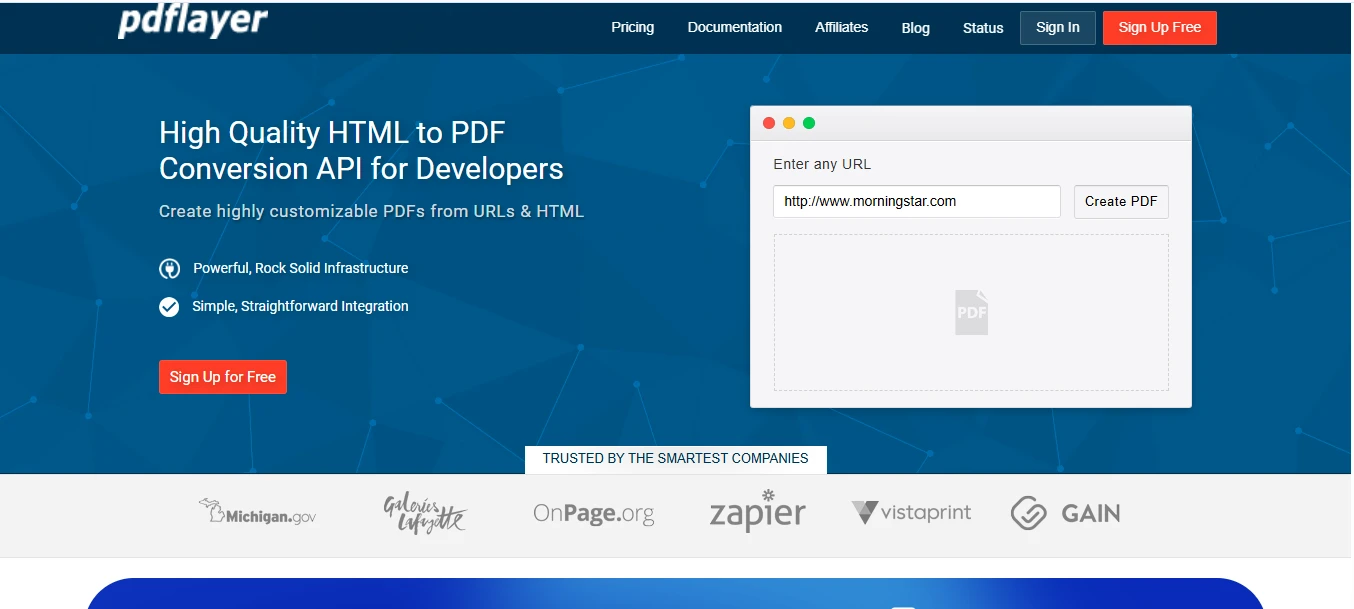
Platforms like https://pdflayer.com/ provide an easy way for developers to integrate document generation into applications without managing rendering infrastructure.
With simple REST requests, developers can convert web pages, templates, and dynamic content into high-quality PDFs within seconds.
Whether you're building SaaS platforms, automation tools, or reporting systems, integrating a reliable HTML to PDF service can streamline document workflows and improve user experience.
Explore the features and documentation to see how quickly you can implement PDF generation in your next project.
Frequently Asked Questions
1. What is an HTML to PDF service?
An HTML to PDF service allows developers to convert HTML web pages or templates into PDF documents through an API request. This eliminates the need to build custom rendering systems.
2. Is there a free HTML to PDF API available for developers?
Yes, several platforms provide a free HTML to PDF API tier that allows developers to test document generation before upgrading to paid plans.
3. Can HTML to PDF APIs handle complex layouts?
Most modern APIs support advanced CSS and responsive layouts, ensuring that PDFs maintain the design and structure of the original HTML content.
4. Which programming languages can integrate with HTML to PDF APIs?
These APIs typically support any language capable of making HTTP requests, including JavaScript, Python, PHP, Ruby, and Java.
5. Are HTML to PDF APIs suitable for high-volume applications?
Yes. Many APIs are designed for scalability and can process thousands of document generation requests daily, making them suitable for SaaS platforms and enterprise systems.