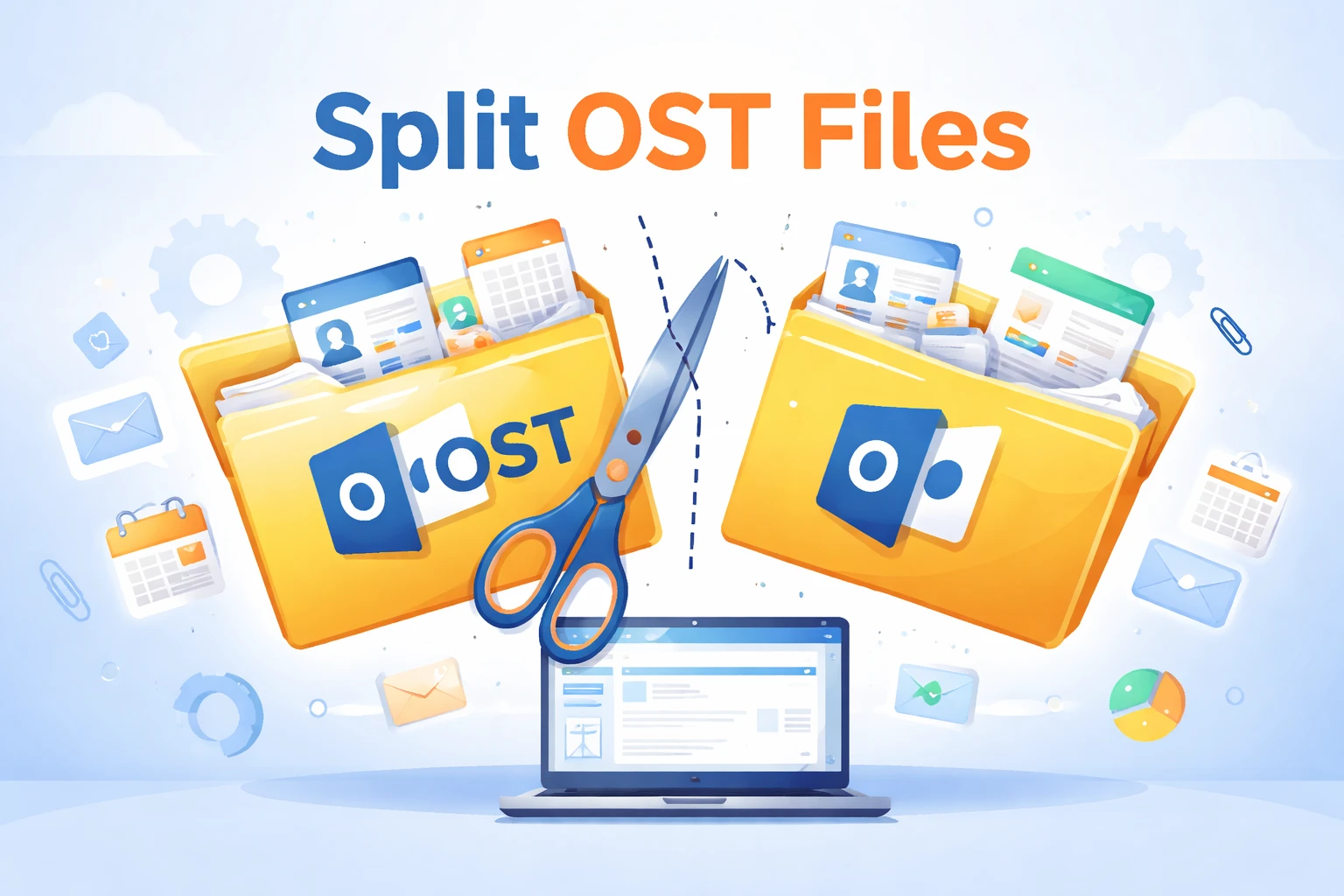
In this digital world, everyone wants to stay connected, especially through email. Since we all use emails for both our personal and professional work, it has become an important part of our everyday lives. Many of us use Microsoft Outlook as it keeps all our emails, contacts, and other important data in a special file called an OST file. Sometimes, over a period of time, OST files can grow so large that they can cause errors or can even lead to data corruption. That is why it is important to split OST file so that it can be handled with ease and helps to prevent data loss. In this article, we will focus on why there is a need to split the files, some easy methods, and common mistakes to avoid for smoother management. Alternatively, check out this article if your Outlook OST file is becoming too large.
OST Files Explained
Before moving ahead with how a person can split OST file, let’s first have the basic knowledge of what exactly an OST file is. In easy words, an OST file, also known as an Offline Storage Table, stores an automatically updated copy of your mailbox data on your computer. It is created by Microsoft Outlook that gives permission to users to access their emails, contacts, calendars, and other mailbox items even when there is no internet connection. So, when the connection is available again, Outlook syncs any changes with the email server on its own and even ensures that the data remains fully updated.
Why You Should Split OST File?
When your OST files become larger in size, it becomes difficult to organize and manage them. Hence, when you split OST file, it makes your work much easier and even helps Outlook to run smoothly without any clashes.
-
When OST files get too big, it may take a longer time to respond.
-
They’re more prone to errors if the size becomes too large, which can result in losing your emails or contacts.
-
Usually, smaller files are easier for backups or restoring.
-
Dividing your files can help you manage your different accounts, folders, or projects separately.
-
When you split a large OST file, it can free up your storage space on your computer.
Techniques to Split OST Files Safely
When you divide your Ost file into smaller files, there are fewer chances that you lose any of your emails, contacts, or calendar data. Since there are several easy methods that you can choose according to your demands, they can actually help you to organize without any hassle.
#1. Automated Way to Divide OST Files
When you go with an automated tool, it is one of the easiest ways to divide your OST files into smaller parts. So, when you use a tool like SysTools OST Splitter Tool, it makes sure to not only save your valuable time but also minimize the errors.
-
Start by downloading and installing the tool on your computer.
-
Now, open the software to begin the process.
-
After that, pick the OST file you wish to divide into smaller parts.
-
Then, decide whether you want to split the file by its size, date, or folder.
-
Then, select a location where the smaller files will be saved or stored.
-
Click on the button to split the OST file.
-
Make sure that the new files have all your emails and data.
#2. Split OST File in Outlook Without a Tool
Luckily, a person can manually split an OST file in Microsoft Outlook. This method involves an in-built feature, such as saving or exporting mailbox items to reduce the size of the file. Although there is no need for a third-party tool that a user requires, they should still be careful when dividing the files into smaller parts. Since using this manual method is very simple to use, yet it can be very time-consuming.
-
First, open Microsoft Outlook on your computer.
-
Now, click on the file in the top-left corner.
-
Choose the option Open and Export, then click on Import/Export.
-
Select Export to a file and then choose the PST file option
-
Now, choose the mailbox folders you wish to export.
-
Opt for where the new PST file should be saved.
-
Click Finish to export the data.
-
For large mailboxes, repeat to create multiple PST files.
Avoid These Errors While Splitting OST Files
Since there are several methods that can be used for diving into OST files, yet there are high chance that a user can make mistakes. That is why one should be aware of these errors before they split OST file and take certain precautions to prevent data loss or file corruption.
-
Make sure to always create a backup before you split to prevent accidental data loss.
-
Never choose a poor-quality or untrusted tool as they can easily corrupt your OST file,
-
Do not delete the original OST file until you’re sure the files were divided correctly.
-
Oversized folders can cause you trouble if not divide properly.
-
When you use incorrect manual methods, it can lead to missing emails, contacts, or even calendar items.
End Note
As we come to an end, we now know how important it is to split OST file to prevent any kind of problems. When you divide the files into smaller sections, it not only makes your work smooth but also helps you to keep your mailbox organized for the long run. Since there are methods available, one can simply choose according to their requirements. When you keep in mind to follow the correct steps and areas to avoid that can lead to common mistakes, you won't have any problem when splitting the OST files.